Nano Banana 2 Lite
Gemini 3.1 Flash-Lite Image · June 2026
The speed tier, made for high-volume work where latency and cost come first: quick edits, drafts and many variations. Output is 1K.
Upload a photo and describe the change, or switch to Text to Image for a new picture. Nano Banana Lite takes up to 14 reference photos per edit and returns a 1K image in the shape you choose.
Edit by prompt
One sentence, one edit
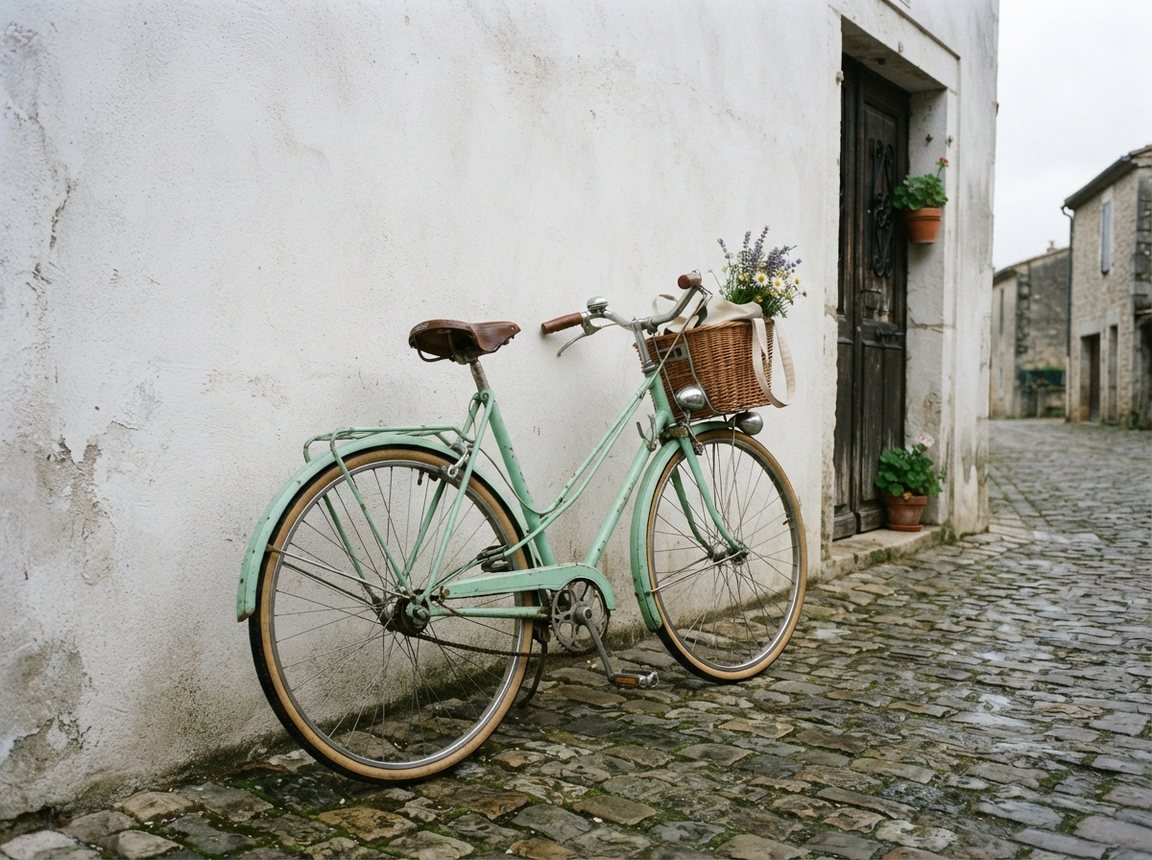
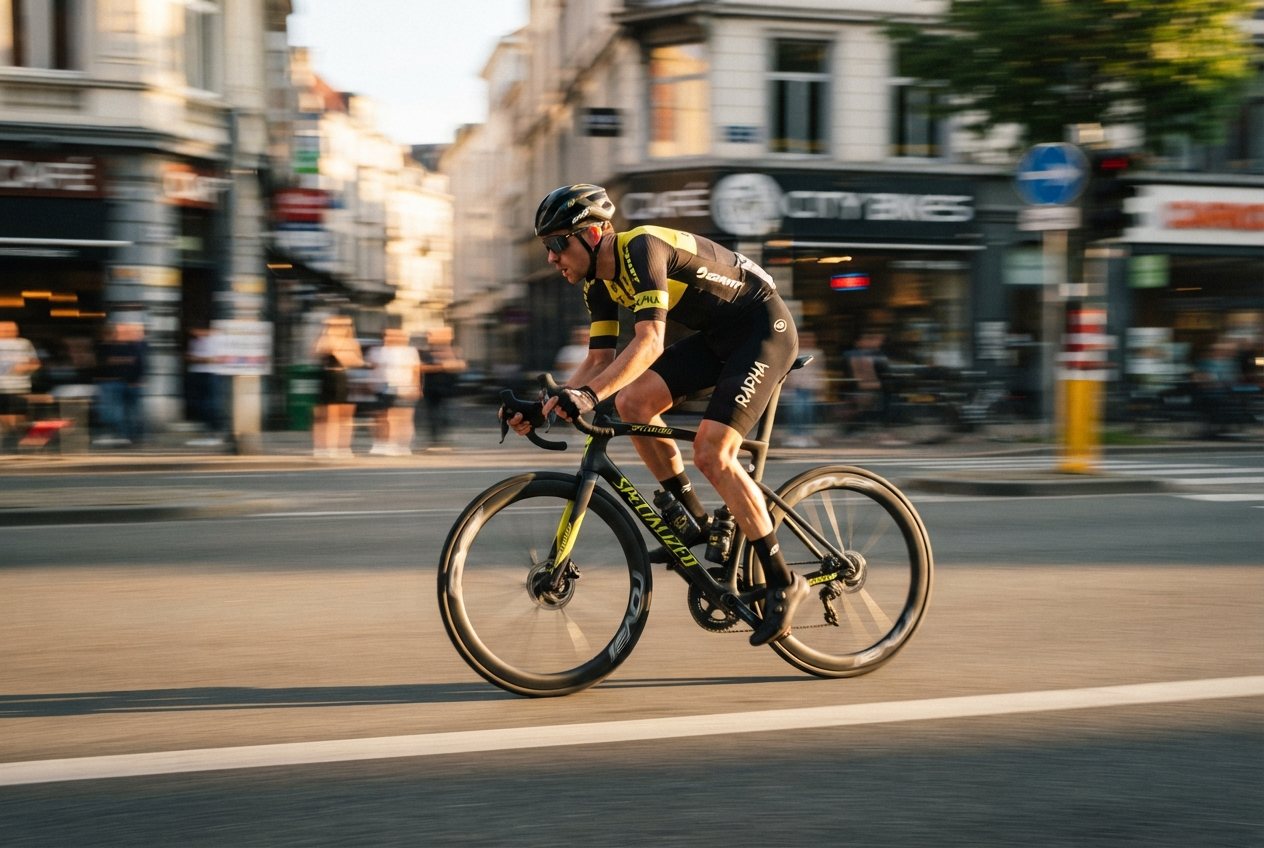
We uploaded a plain street photo and asked for three changes: flowers on the wall, late-afternoon sun, and baguettes and sunflowers in the basket. The model made those changes and kept the bicycle, its color and the camera angle. Drag the handle to compare.
Edit a photo
 BeforeAfter
Move a product, a pet or a person to a beach, a studio set or a city street. Say what the new background is and what must stay.
Turn a flat, grey photo into golden hour, blue hour or soft studio light, as in the bicycle edit above.
Upload a subject, a scene and a style reference, then explain how they fit together. The edit tab accepts up to 14 images in one request.
Model facts · Checked November 17, 2026
Nano Banana Lite is the short name people use for Nano Banana 2 Lite, which Google also calls Gemini 3.1 Flash-Lite Image. Google introduced it on June 30, 2026 as the fastest, lowest-cost model in the Nano Banana family. One model handles text to image, edits from a written instruction and multi-image composition, at 1K resolution.
Rows come from Google's launch post (June 30, 2026) and the Google DeepMind model page, except the last row, which describes this site.
| Names | Nano Banana 2 Lite (official), Gemini 3.1 Flash-Lite Image (API), Nano Banana Lite (common search term) |
|---|---|
| Announced | June 30, 2026, in Google's launch post |
| Model ID | gemini-3.1-flash-lite-image |
| Tasks | Text to image, edits from a written instruction, combining several images, consistent characters, short text inside images |
| Resolution | 1K only; 2K and 4K are not available |
| Speed (official) | About 4 seconds per image in the official API |
| Official API price | From $0.034 per 1K image in the Gemini API |
| Free access | Flash-Lite mode in the Gemini app, with daily limits |
| Provenance | An invisible SynthID watermark on every image |
| Here | 10 credits per image, 14 aspect ratios, up to 14 photos per edit; 15 to 50 seconds per image when we tested it |
The official positioning of the three tiers. This site runs the Lite tier only; move to a larger model when print size or fine detail matters more than cost.
Gemini 3.1 Flash-Lite Image · June 2026
The speed tier, made for high-volume work where latency and cost come first: quick edits, drafts and many variations. Output is 1K.
Gemini 3.1 Flash Image · now Nano Banana 2.1
The all-rounder, with higher quality and output from 1K up to 4K. It became Nano Banana 2.1 in October 2026, replacing the first release.
Gemini 3 Pro Image
The top tier for demanding professional work, with the most reasoning and control. Pick it when accuracy matters more than speed.
The Lite model is tuned for quick, repeated work. We made all four of these examples here with it.
Text in images
Keep the wording short
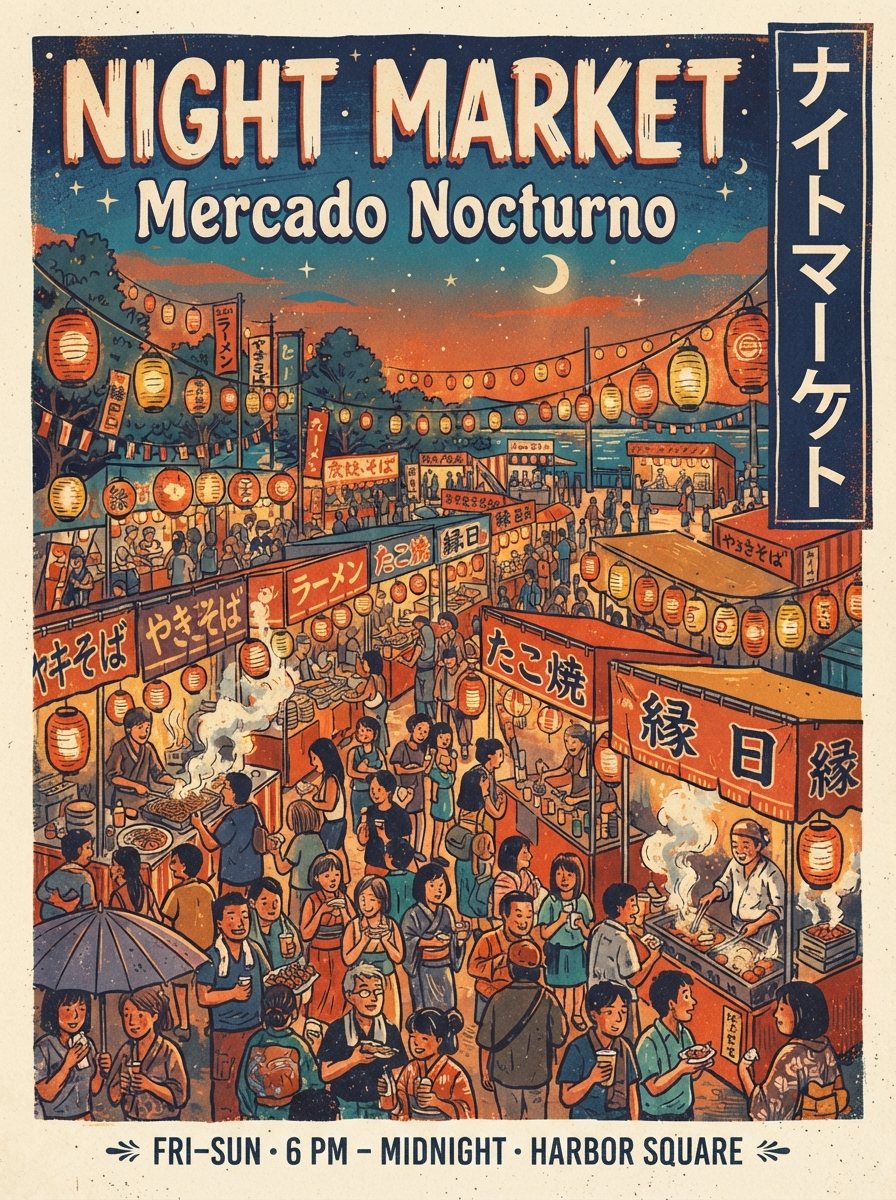
Put the exact words in quotes: a headline, opening hours, a badge. The model is built to keep text legible, but it is a speed model, so short lines work best and small print deserves a second look.
Use this prompt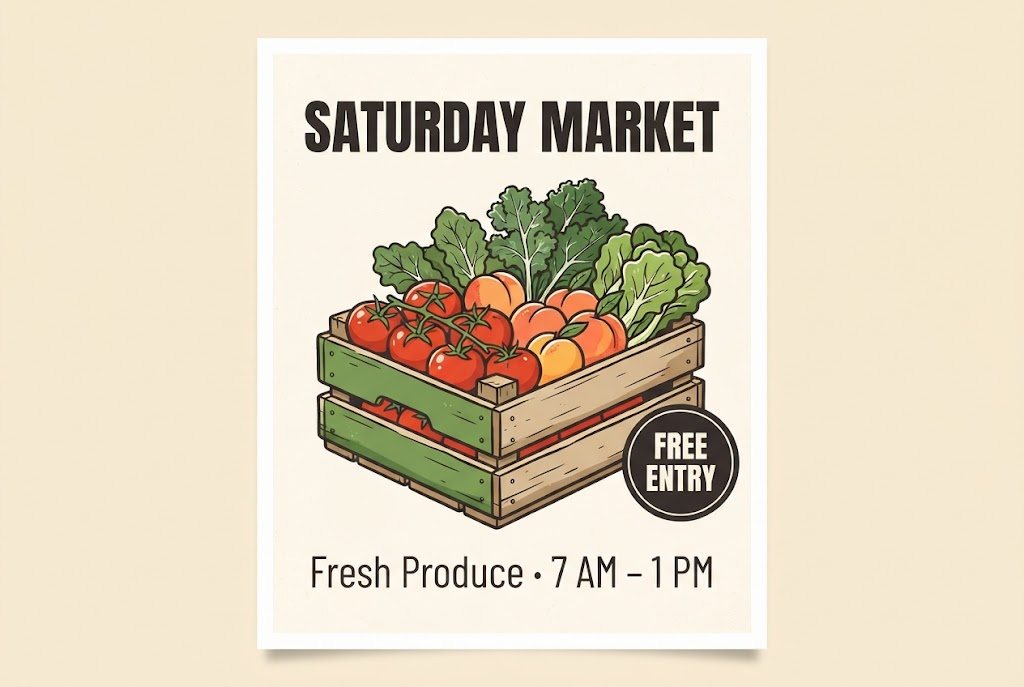
Multi-image edit
Three photos in, one image out
We uploaded a sneaker packshot, an empty skate park and a risograph print, then asked for the sneakers on the park wall in that print style. The edit tab takes up to 14 photos in one request.
Use this prompt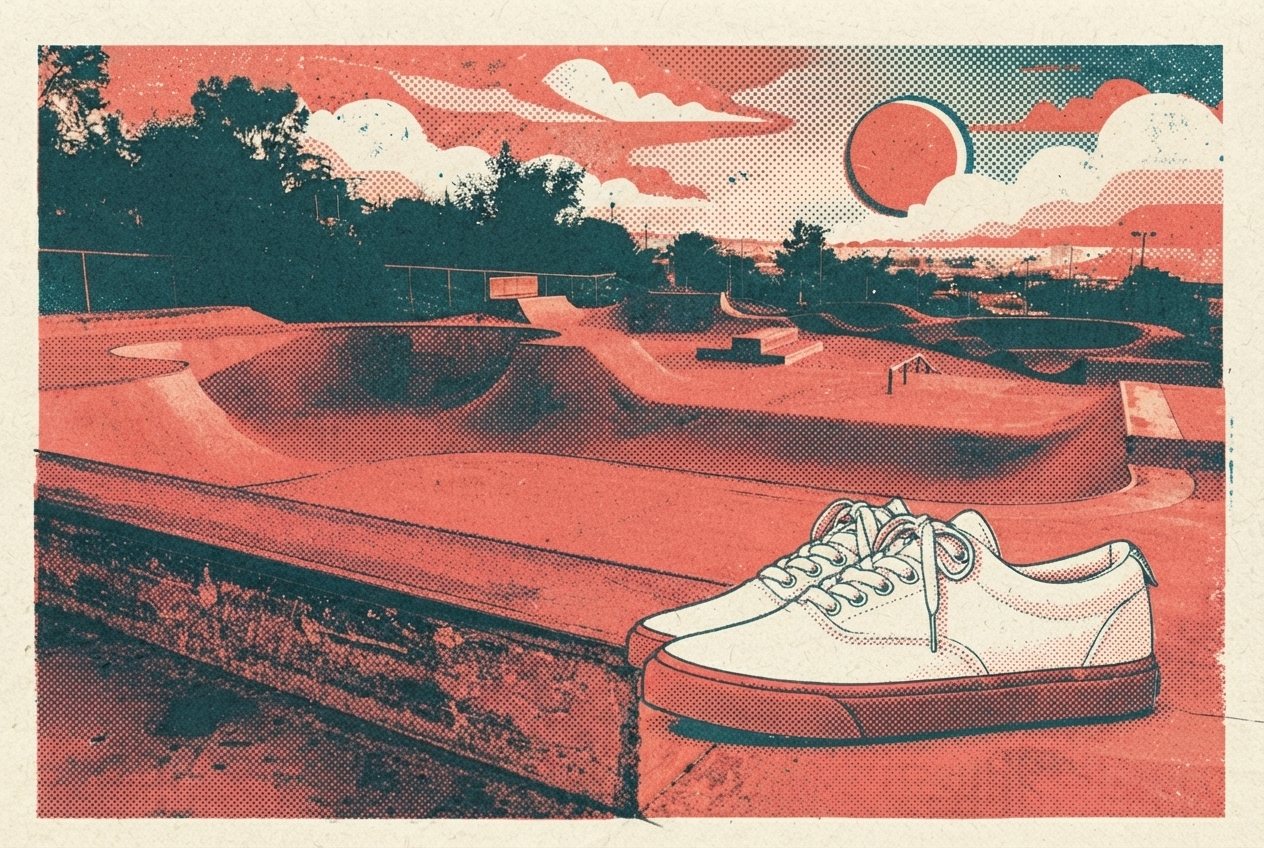
Photoreal
Cheap enough to try several angles
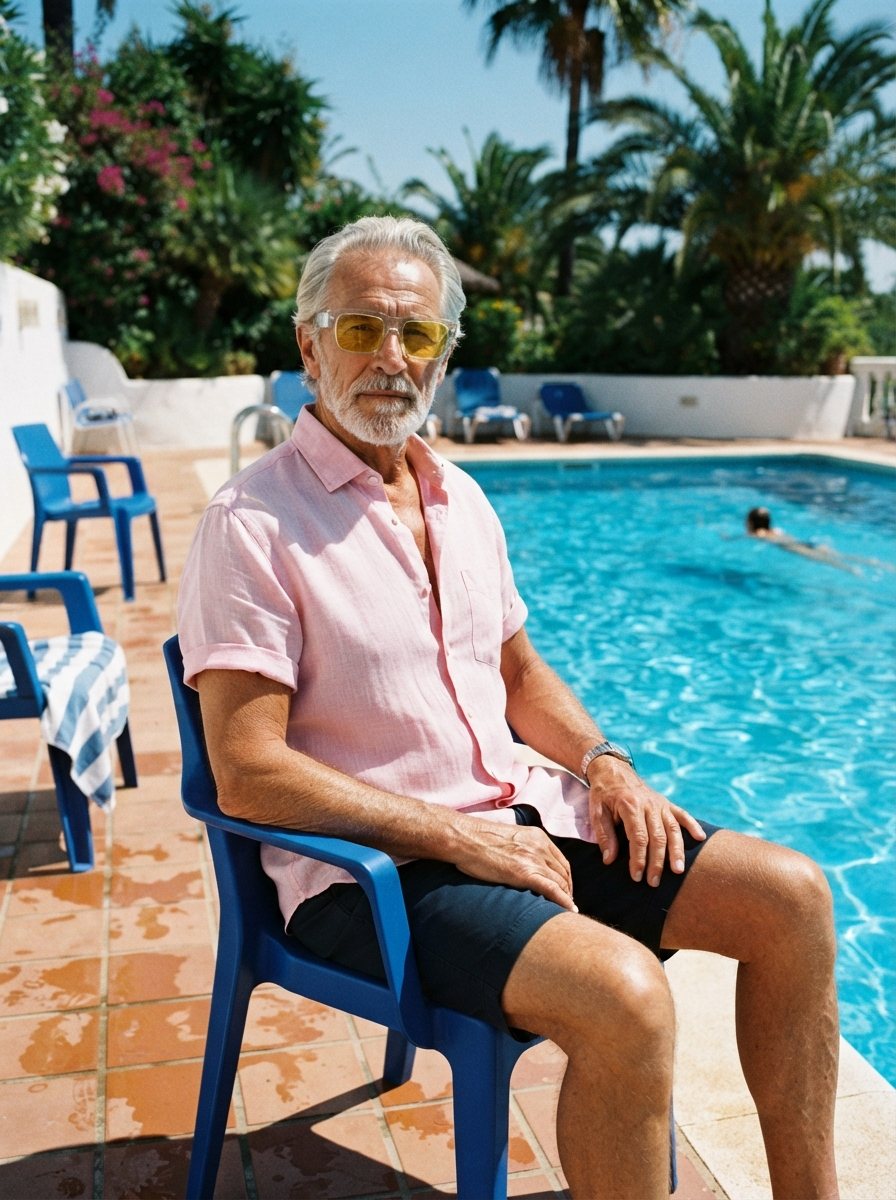
Describe the light, the lens and the moment, and the model returns a natural-looking photo. Every image costs the same flat price, so five versions of a shot stay cheap.
Use this prompt
Sketch to photo
Layout stays, look changes
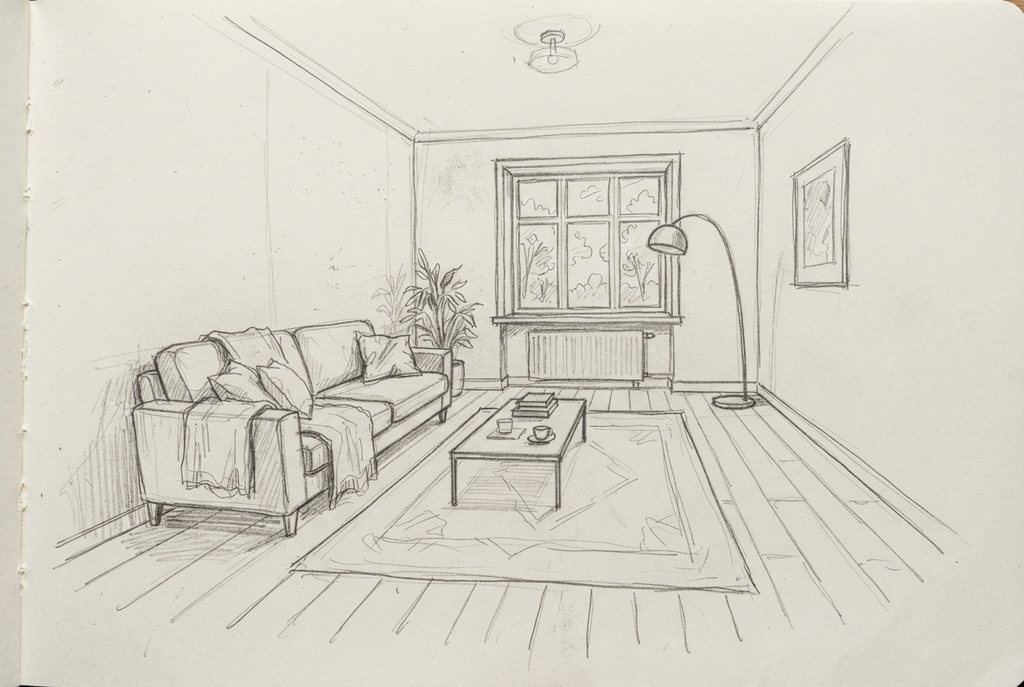
Upload a pencil sketch and describe the finished look. Here the sofa, table, window and lamp stay where the sketch put them.
Use this prompt
Four steps
Everything happens in your browser: sign in, upload, describe the change, download.
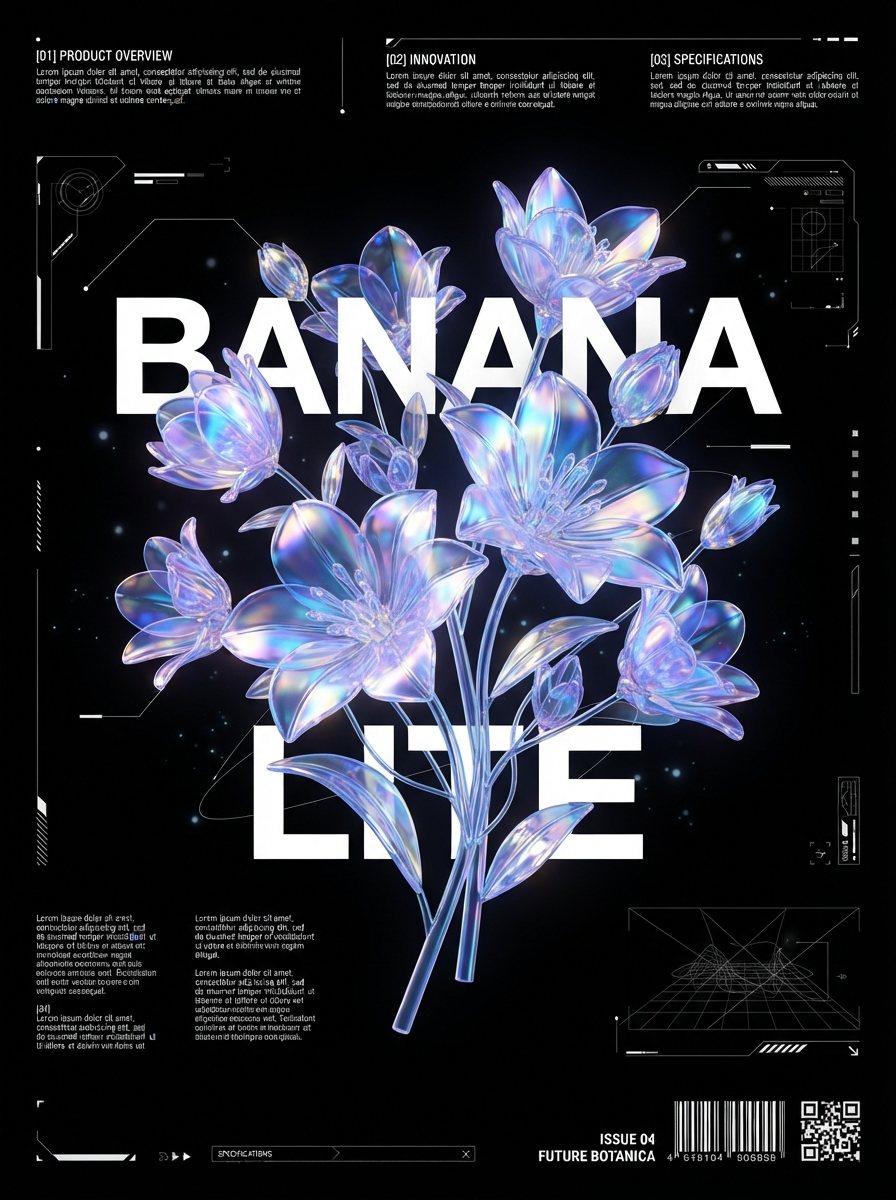
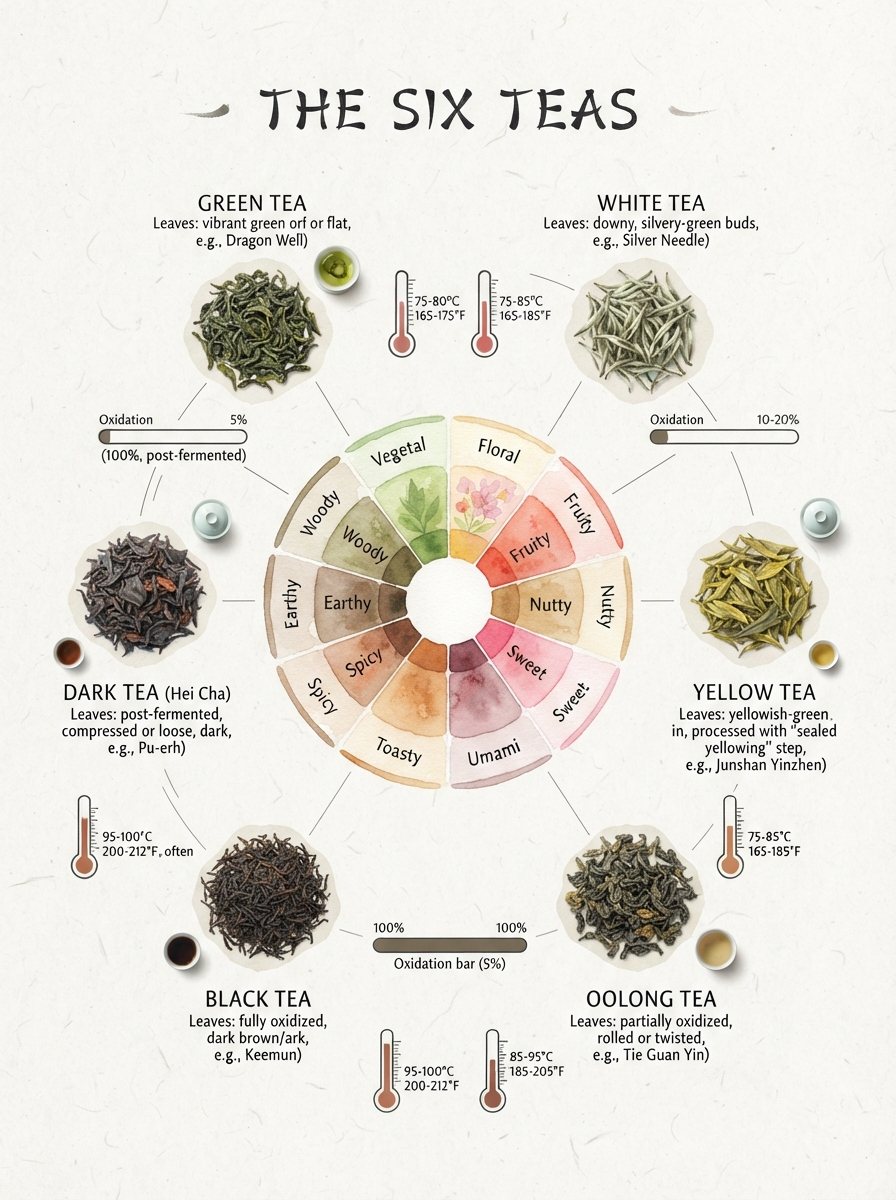
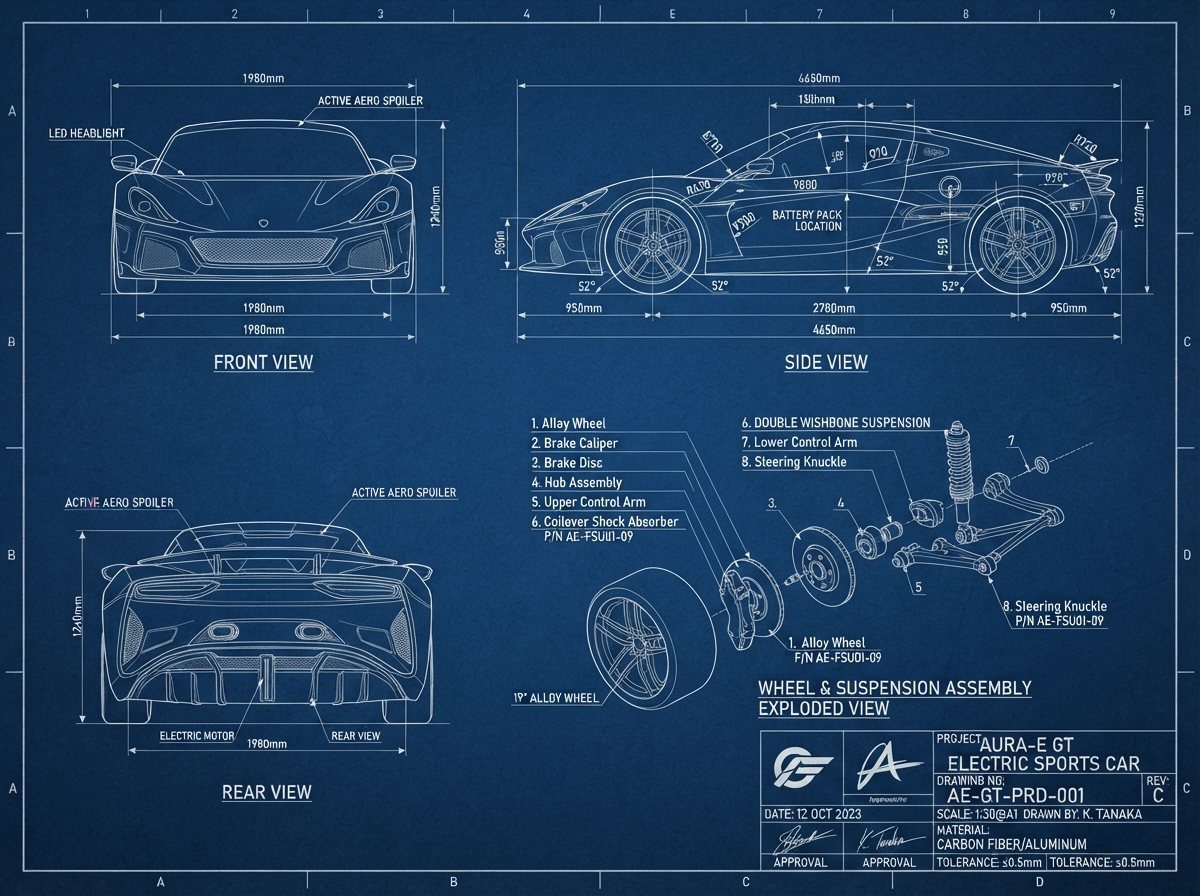
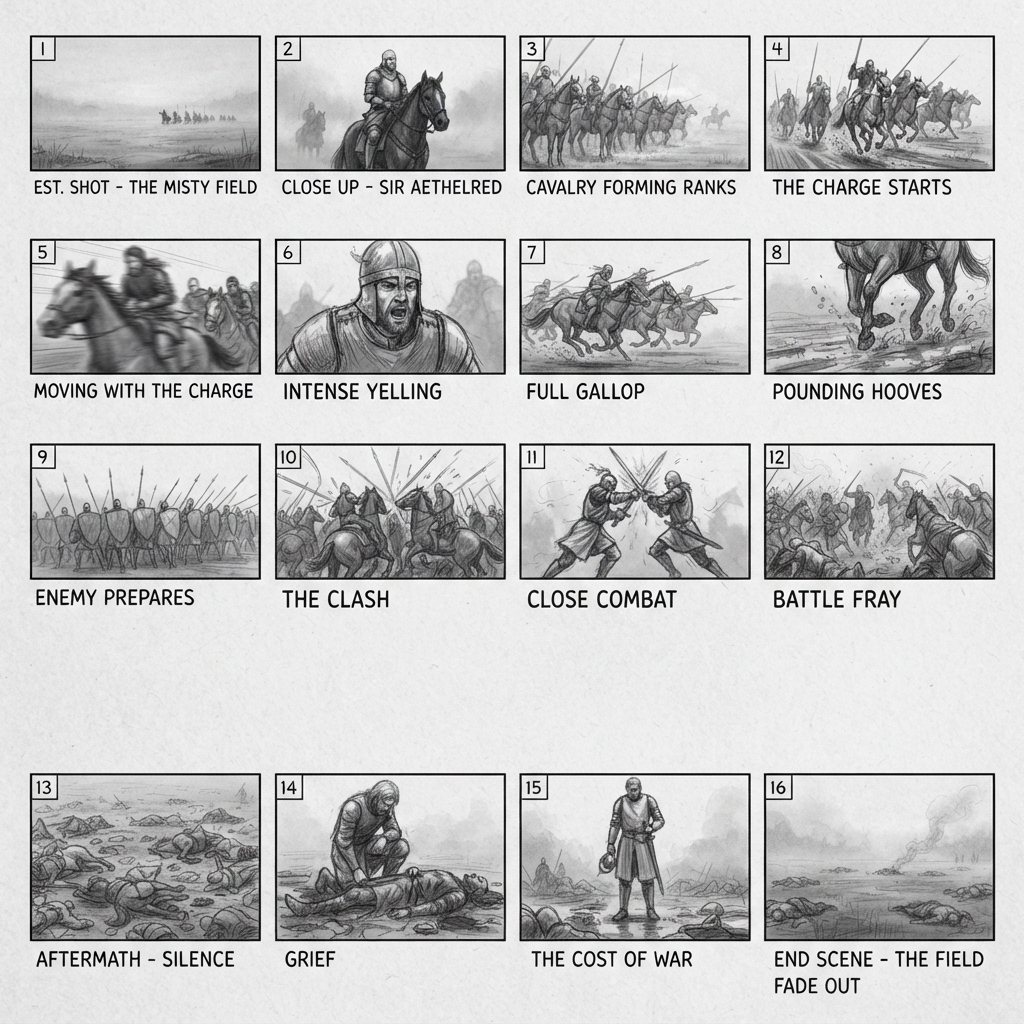
A set of images we made here with the model. Click one to load its prompt, then change it to suit you.

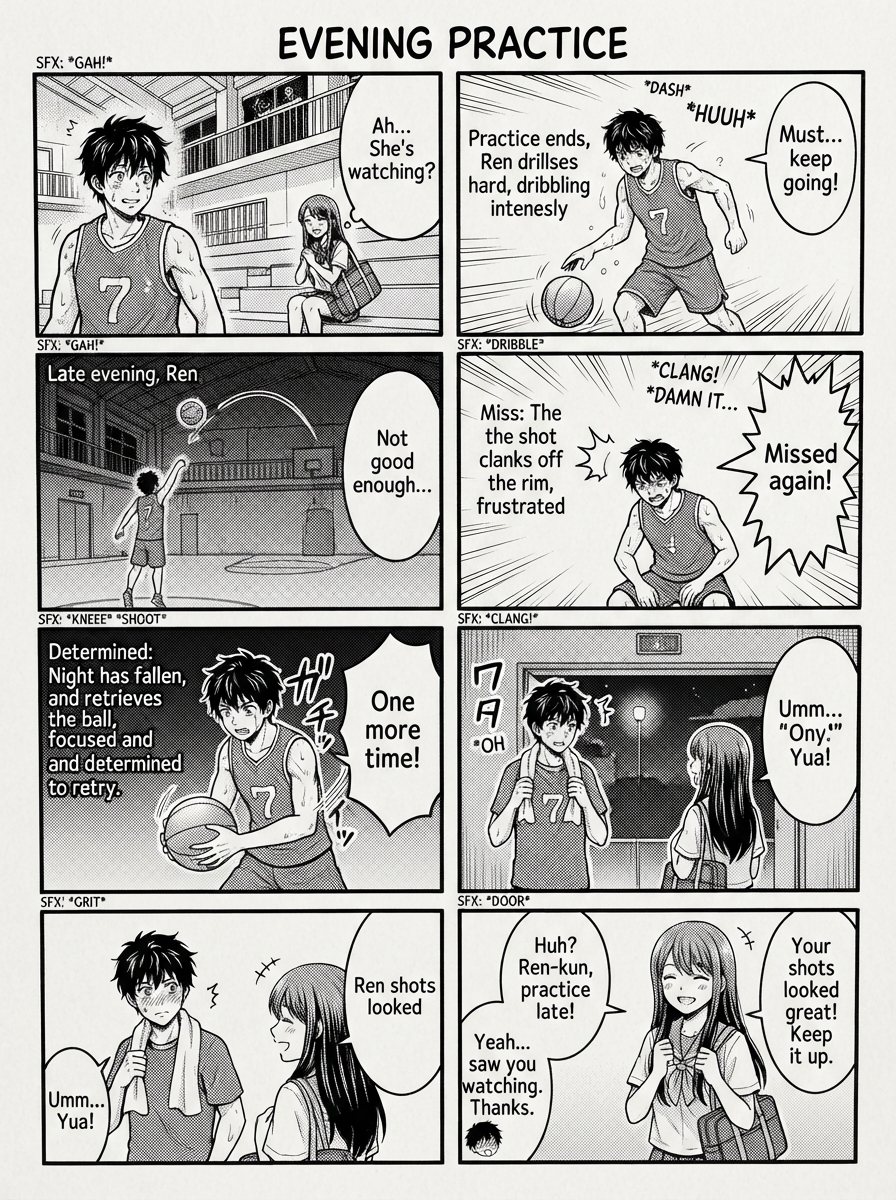
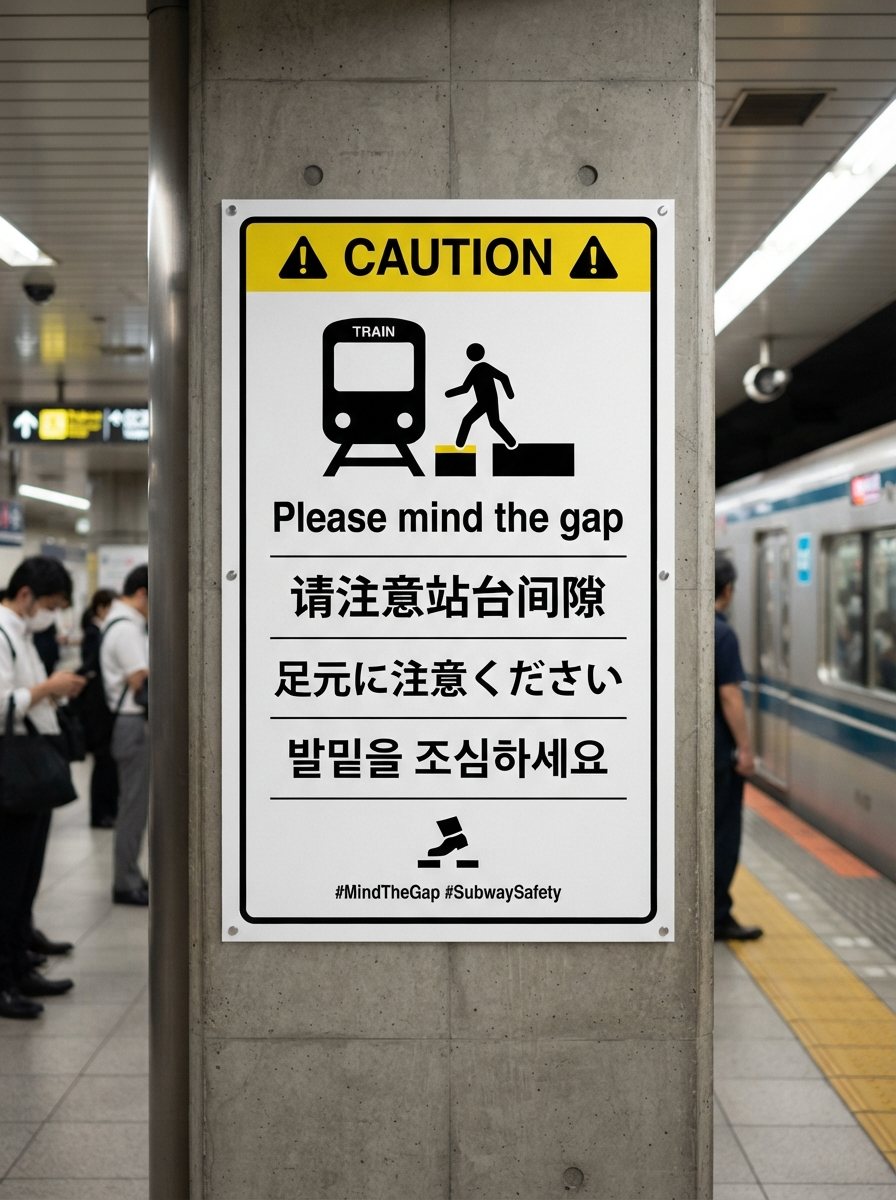

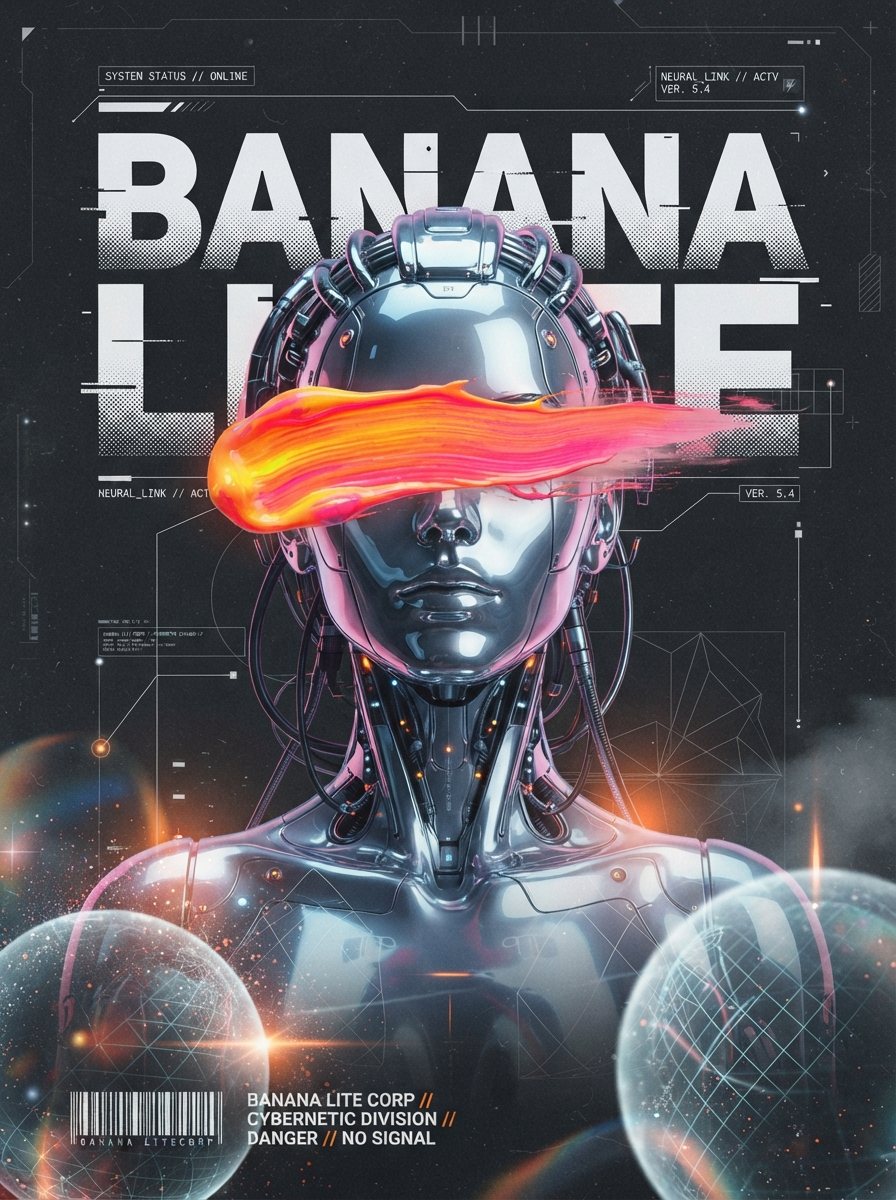
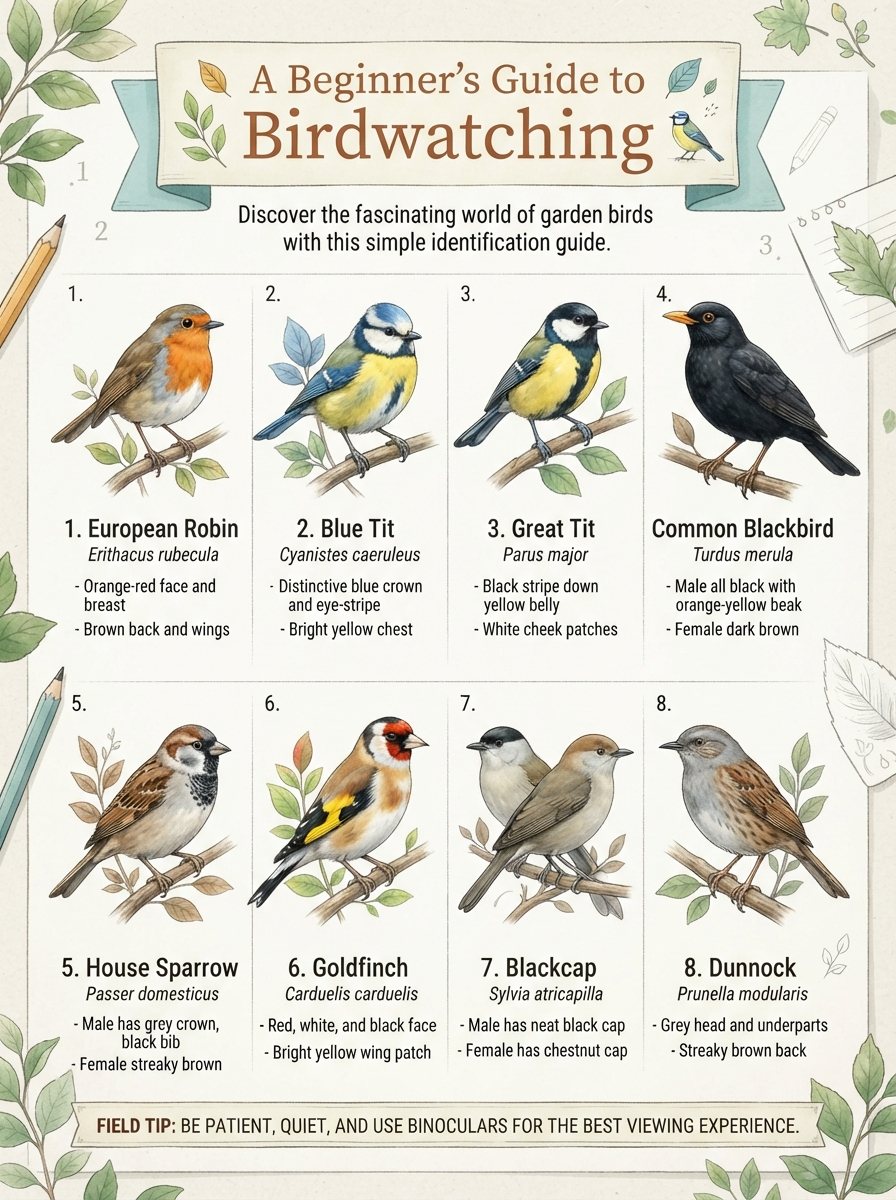

Who it's for
People who need lots of images use the Lite model for quick edits and drafts, then keep the best result.
Listing photos, product pages and color variants without a studio day.
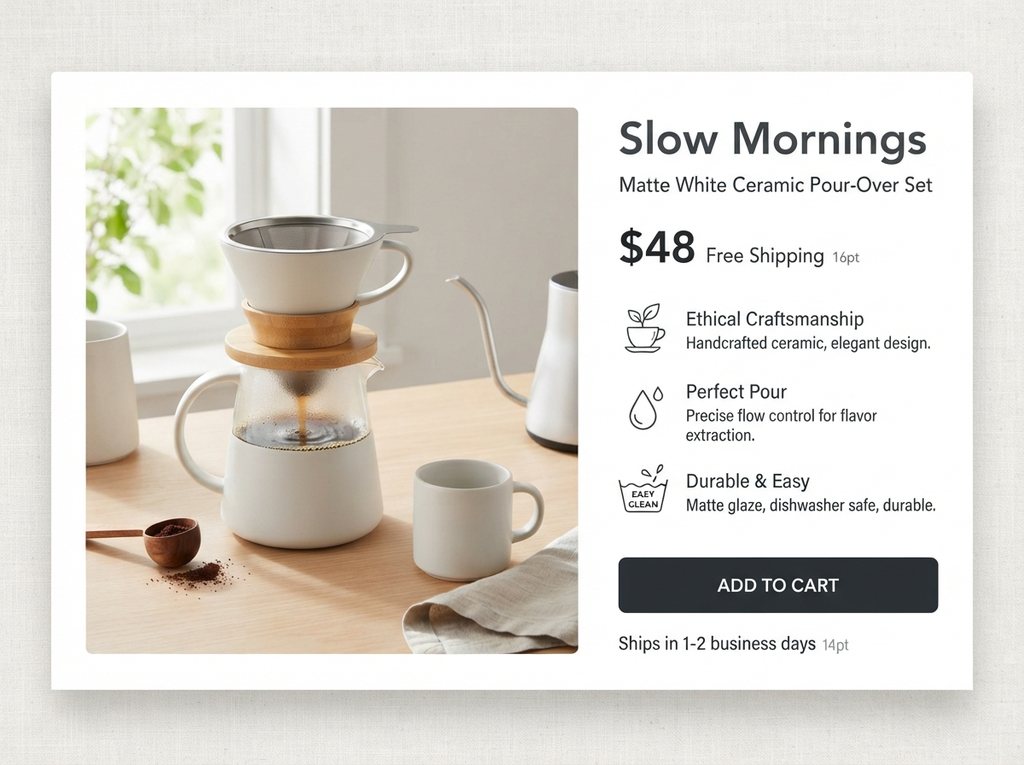
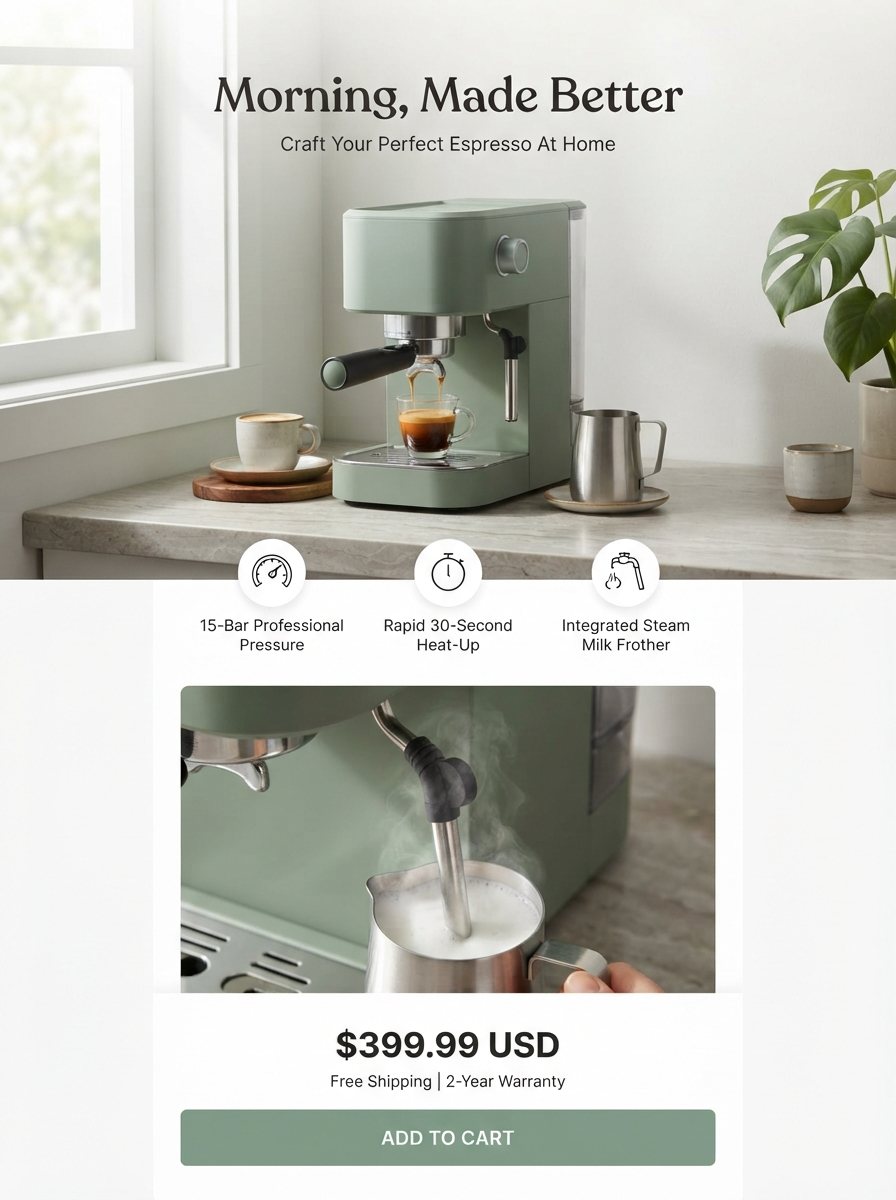
List the product, a headline and three benefits, and get a full page layout with callouts and a price.
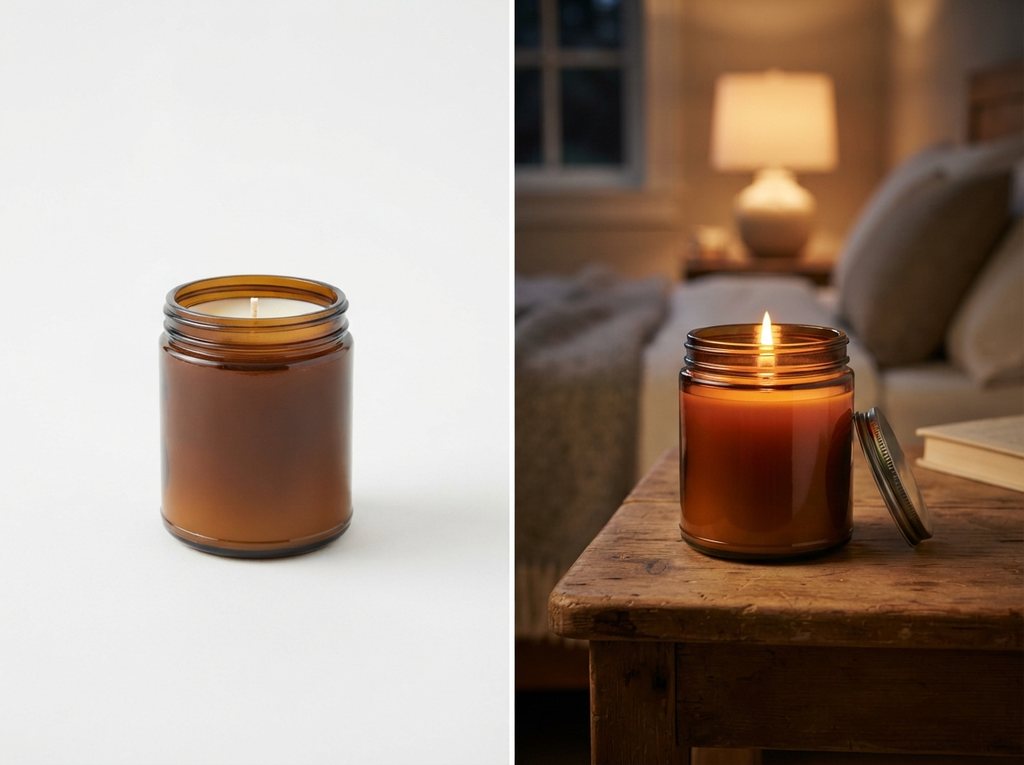
Upload a plain product photo and place it on a bedside table, a counter or a beach while the product stays the same.
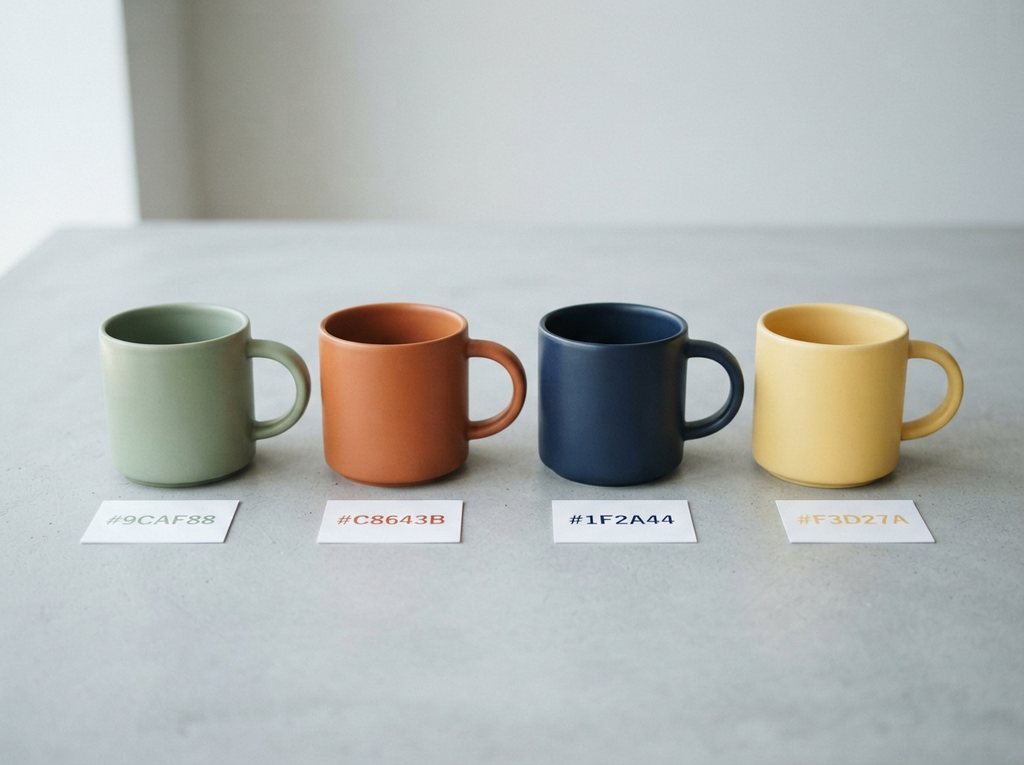
Name the item and the color you want, and see it before you order samples.
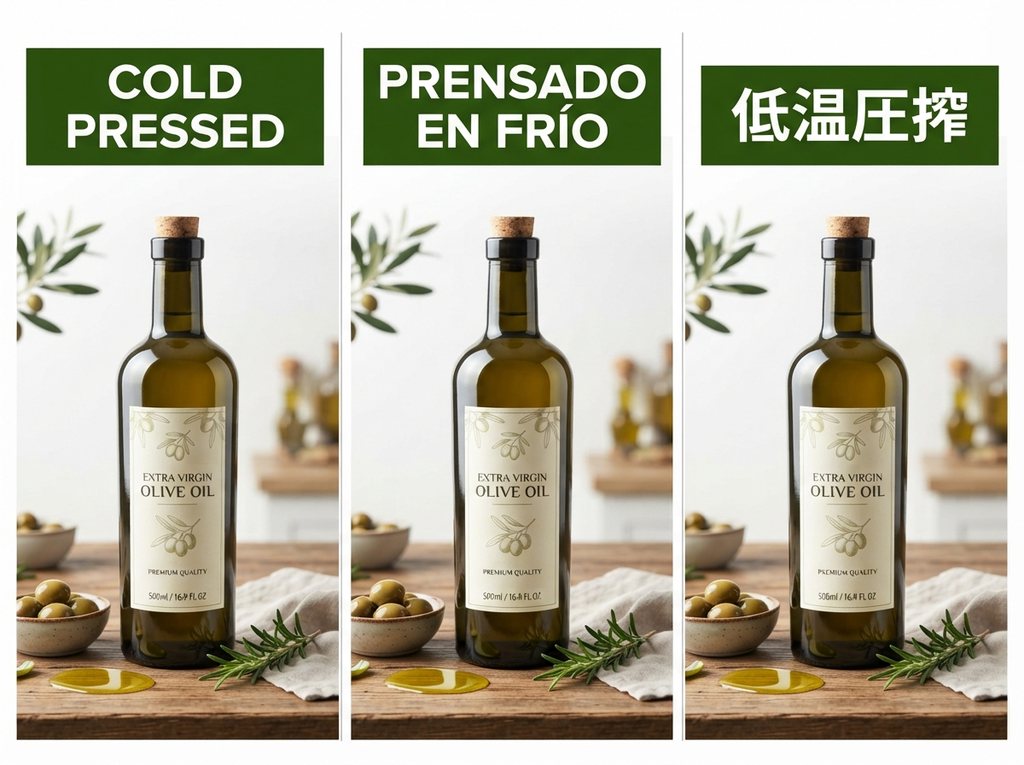
Rewrite the banner text for each marketplace while the layout and branding stay put.
Choose the plan that matches how often you generate with Nano Banana Lite.
Short answers about the model, its price, how it compares and how this site works.
Nano Banana Lite is the everyday name for Nano Banana 2 Lite, Google's fastest and cheapest Nano Banana image model. Its API name is Gemini 3.1 Flash-Lite Image, and Google announced it on June 30, 2026. It generates and edits 1K images, can combine several photos and marks every output with SynthID.
Lite trades resolution and some quality for speed and price: its official API price starts at $0.034 per image, at about 4 seconds each. Nano Banana 2, now updated to Nano Banana 2.1, gives higher quality and goes up to 4K. Choose Lite for quick edits and volume, and a larger model for final, high-resolution images.
You can try it at no cost in the Gemini app's Flash-Lite mode, within daily limits. On this site a new account gets 10 free credits, enough for 1 image, with no card required, and failed runs refund their credits. Paid plans and credit packs add more images, private generations and no site watermark.
The Gemini API charges from $0.034 per image. Here an image costs 10 credits for both text to image and photo edits, however many reference photos you add. The pricing section shows what credits cost on each plan.
It is good at what it was built for: fast, inexpensive drafts and edits. The official Elo scores are 1251 for generation and 1308 for editing. It stops at 1K, so pick a larger model when you need print-size files or very fine detail.
No. bananalite.co is an independent website that runs Google's model through a third-party API. It is not affiliated with or endorsed by Google. Google's own ways to use the model are Google AI Studio, the Gemini API and the Gemini app.
Not a separate one. The model is available in the Gemini app's Flash-Lite mode and in AI Studio, and Google Photos, Flow and AI Mode in Search are listed as coming next. The weights are not public, so you cannot download it or run it locally. This site works in a phone browser with nothing to install.
Up to 14. Upload a person, a product, a background and a style reference together, and describe how they should fit in one image.
Every image is 1K. Choose one of 14 aspect ratios (1:1, 3:2, 2:3, 4:3, 3:4, 4:5, 5:4, 16:9, 9:16, 21:9, 4:1, 1:4, 8:1 or 1:8) and the pixel size follows: 1024 × 1024 for 1:1, 1376 × 768 for 16:9, 2928 × 352 for 8:1. Downloads are PNG files.
Yes. You can use images you make here in client projects, ads, listings and social posts. Free images carry a small bananalite.co watermark, which paid plans remove.
Upload a photo or write a prompt. It runs in the browser, and new accounts get free credits without a card.
Aspect ratios
Credits per image
Free image on sign-up